SaaS ads: 14 ideas and 7 real video ad examples
Here are 7 real SaaS and app video ads, each made by ReelMade from the product's own website: its screens, plans, features and customer quotes. Below them, 14 ideas for software ads, from the one-feature reel to the pricing-page ad, each with a hook line. One finished 9:16 video costs $9.99.
Updated
Real SaaS and app ad examples, made from their websites
Each film is real ReelMade output, 8 to 32 seconds long, made from a software product's public website. TikMonitor, tamr and bl1nk are our own products; the rest are unofficial samples, labeled on each card. The hook is the first line of the voice-over.
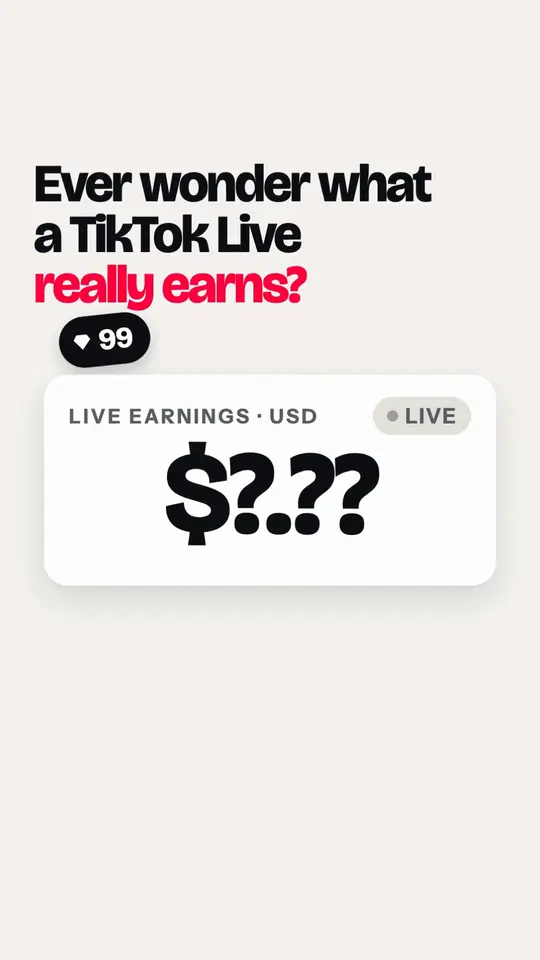
Live analytics app · Product · 26 seconds
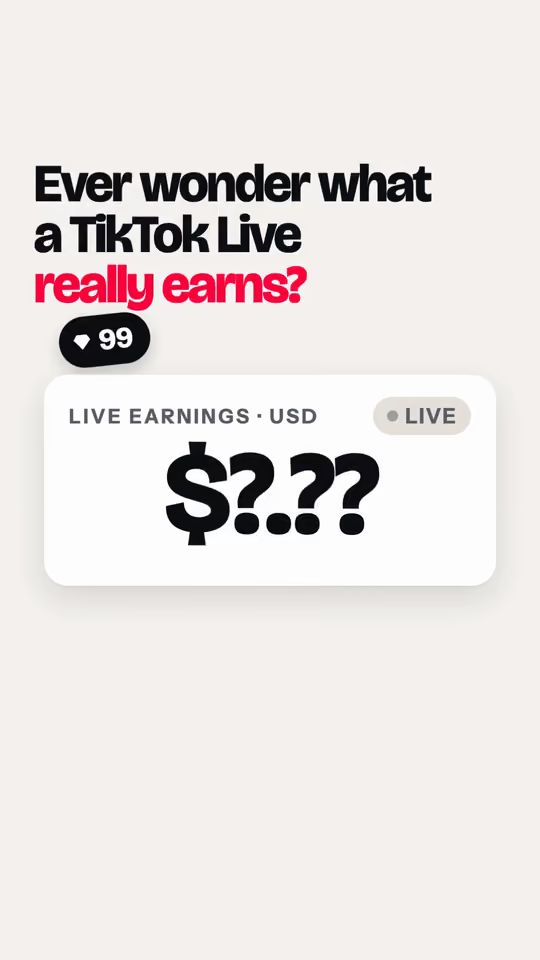
TikMonitor
"Ever wonder what a TikTok Live really earns?"
A dollar meter stuck on question marks wakes up when a TikTok handle is pasted: each gift lands as estimated dollars with the sender's name, free for one creator.
Made from tikmonitor.com · American English voice
Watch the TikMonitor ad and read its script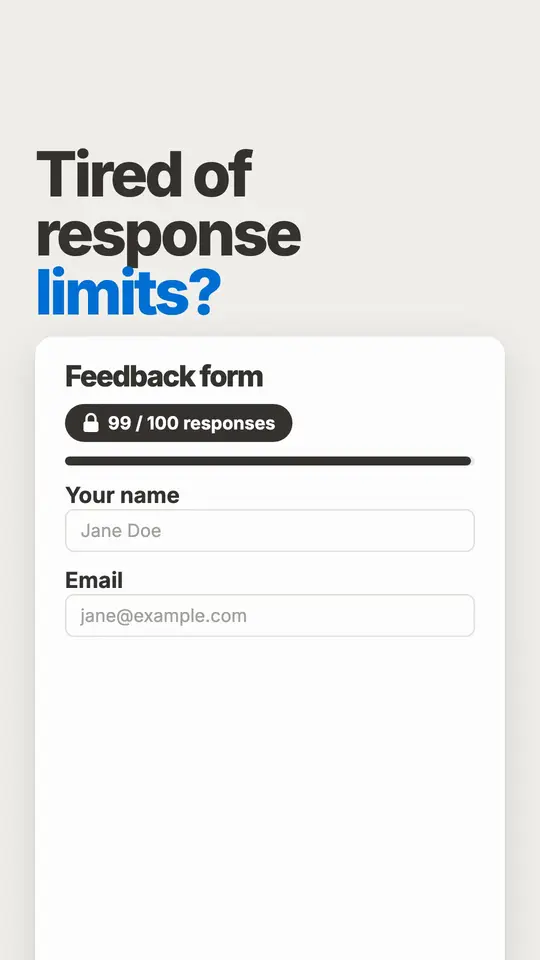
Form builder · Product · 26 seconds
Tally
"Tired of response limits?"
A feedback form hits its 100-response cap, then Tally builds one like a doc: a slash for each block, a Stripe payment and a signature, with unlimited submissions free.
Unofficial sample, made from tally.so. Not affiliated. American English voice.
Watch the Tally ad and read its script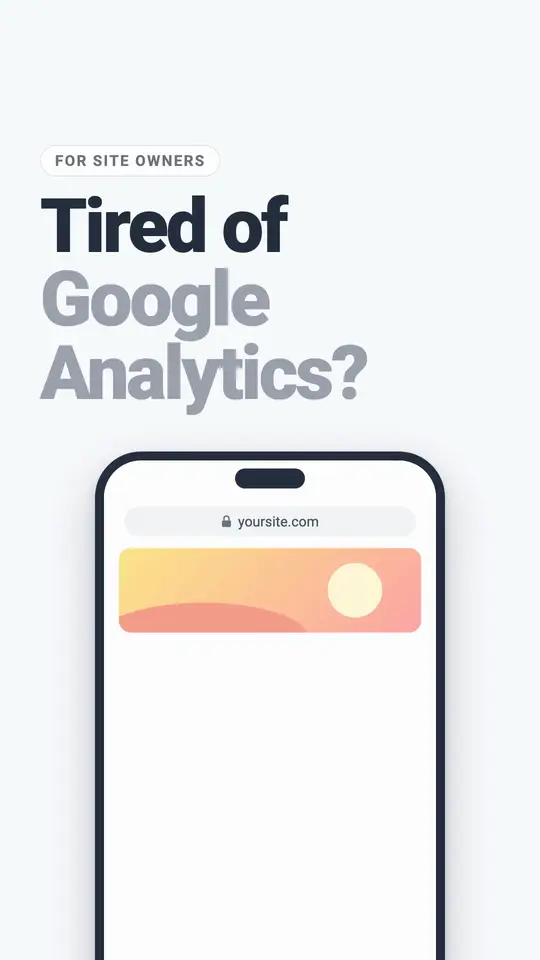
Web analytics software · Product · 27 seconds
Plausible Analytics
"Tired of Google Analytics?"
A site owner tired of Google Analytics loses the cookie banner, brings their GA history into Plausible's one-page dashboard and starts a 30-day free trial.
Unofficial sample, made from plausible.io. Not affiliated. American English voice.
Watch the Plausible Analytics ad and read its script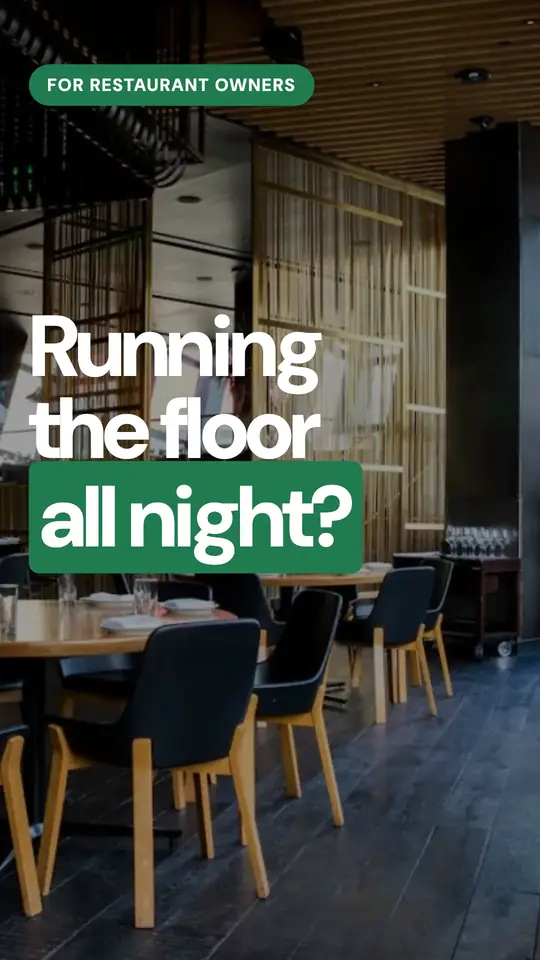
Restaurant tech · Product · 28 seconds
tamr
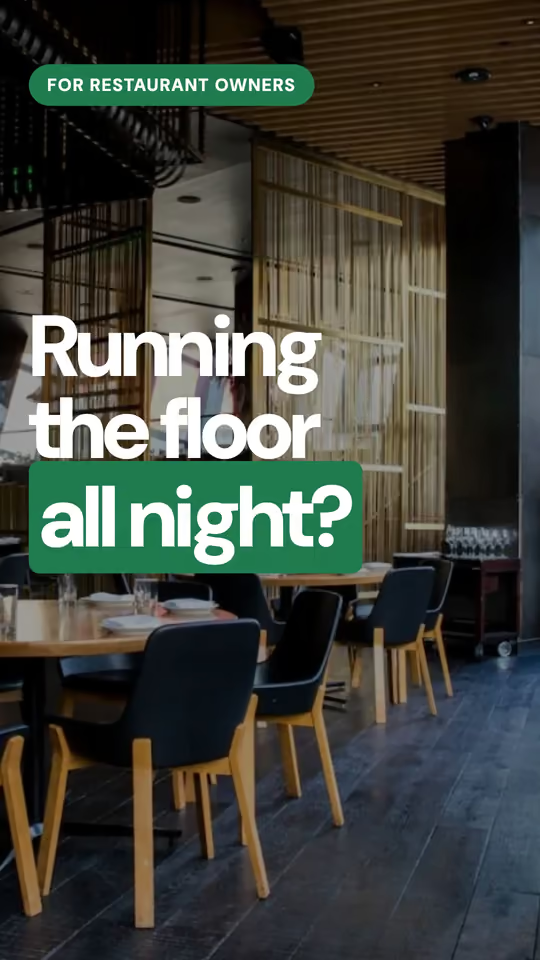
"Running the floor all night?"
An ad for restaurant owners: the same menu question at every table, then tamr's AI waiter answers a guest in Arabizi from the real menu.
Made from tamr.link · American English voice
Watch the tamr ad and read its script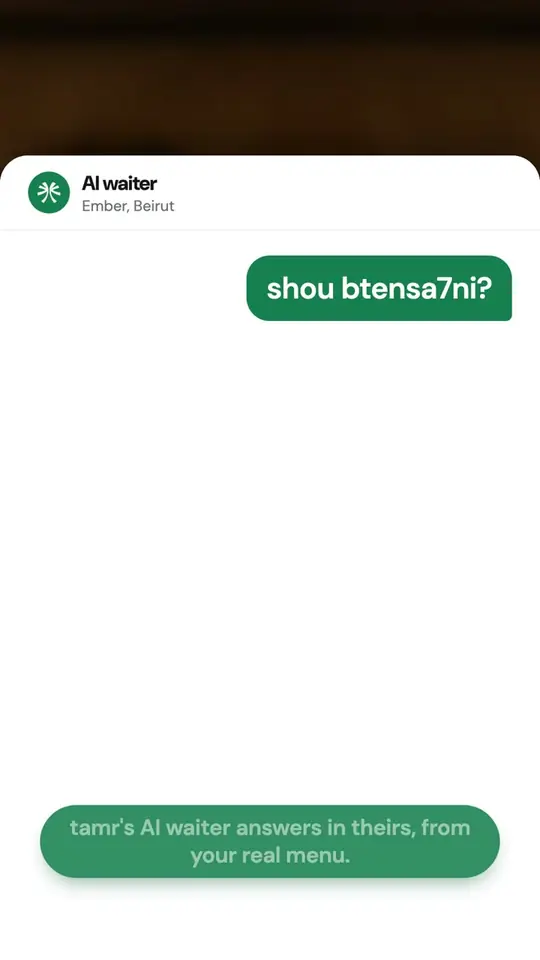
Restaurant tech · Product · 14 seconds
tamr
"Guests ask in their own language."
A guest asks the AI waiter a question and gets an answer from the restaurant's real menu.
Made from tamr.link · American English voice
Watch the tamr ad and read its script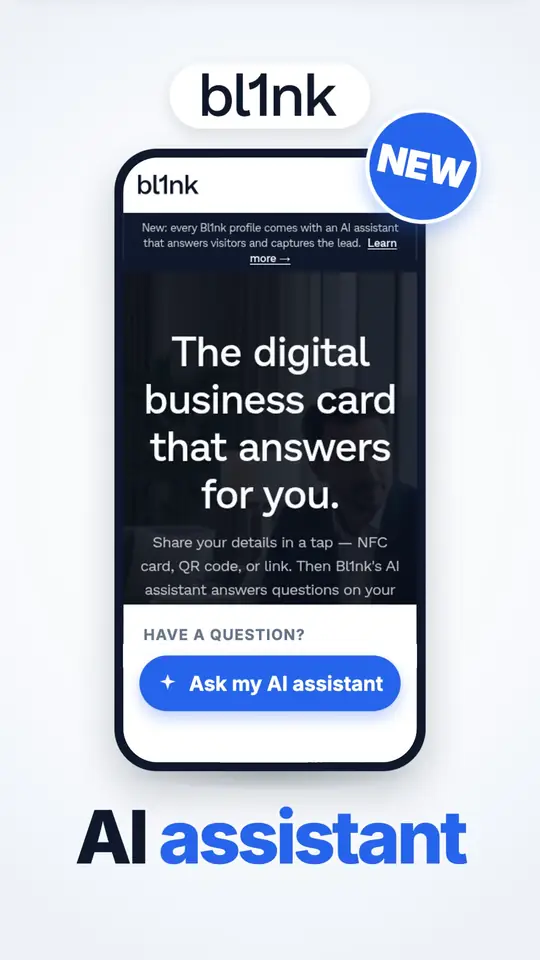
App · Launch · 32 seconds
bl1nk
"Sales teams, stop losing leads after events."
A launch ad for sales teams: the paper card from an event gets forgotten, then a bl1nk profile's AI assistant answers the pricing question and saves the contact.
Made from bl1nk.co · American English voice
Watch the bl1nk ad and read its script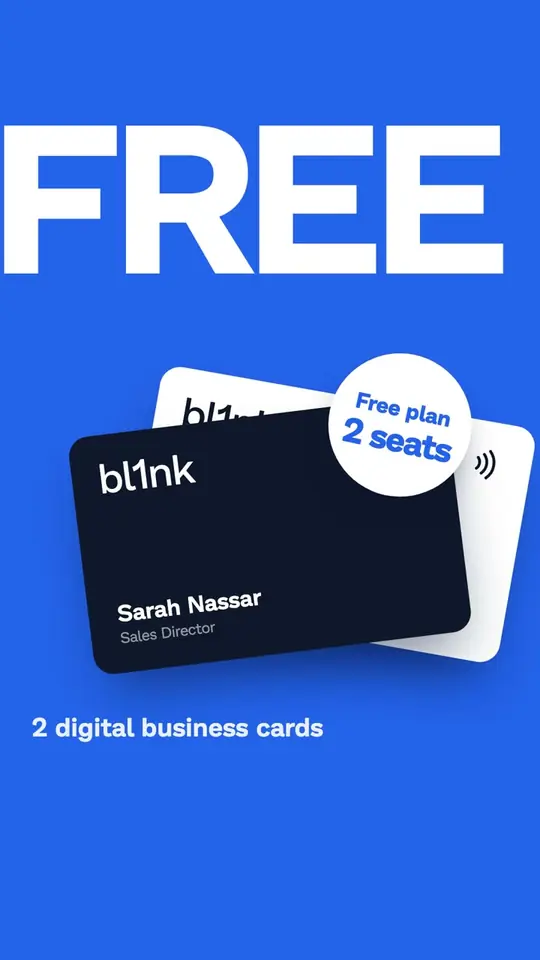
App · Offer · 8 seconds
bl1nk
"Two digital business cards, free."
An 8-second offer video: two free digital business cards, said once and clearly.
Made from bl1nk.co · American English voice
Watch the bl1nk ad and read its script




14 SaaS ad ideas you can make from your website
Ideas for SaaS ads, app promo videos and software ads that run on Facebook, LinkedIn and TikTok. Each one rests on a page your site already has, so the ad shows the product you sell today, not a roadmap.
How we turn a website into an adThe workflow, before and after
Best for: Workflow, reporting and productivity tools
The old way in three quick words on screen, then your product screen doing the same job, then the sign-up button.
Hook: "Still pasting this into a spreadsheet every Friday?"
- Run it on
- Reels, TikTok and LinkedIn video
- Your site needs
- A features page that names the job it replaces, and a screenshot of the screen that does it.
One feature, one reel
Best for: Any SaaS with a feature people ask about by name
A single feature: the screen it lives on, the one thing it does, and where to try it. Nothing else from the product.
Hook: "One button turns your notes into a client report."
- Run it on
- TikTok, Reels and YouTube Shorts
- Your site needs
- A feature page or a section with a screenshot and a plain sentence about what it does.
The pricing-page ad
Best for: Self-serve SaaS with public plans
Your plans as the pricing page prints them, the free tier or trial first, then the plan most teams pick.
Hook: "Free for your first three projects. Here's what the paid plan adds."
- Run it on
- Facebook and Instagram, aimed at people who visited your pricing page
- Your site needs
- A public pricing page with plan names, prices and limits.
Built in a weekend
Best for: Indie products, solo founders, open-source tools
The founder's reason, in the founder's words from the About page, then the first screen that came out of it.
Hook: "I built this because I was tired of chasing invoices."
- Run it on
- X, LinkedIn and TikTok
- Your site needs
- An About or story page where the founder says why the product exists.
Works with what you already use
Best for: Tools with an integrations page
The apps you connect to, as your integrations page lists them, then the one screen where the data lands.
Hook: "Already on Slack and Google Sheets? You're set up."
- Run it on
- LinkedIn video and Facebook feed
- Your site needs
- An integrations page naming the apps you actually connect to.
The comparison you already published
Best for: SaaS with a vs or alternative page
The rows of your own comparison page, one at a time, with nothing added that your page doesn't say.
Hook: "Switching from a spreadsheet? Here is what changes on day one."
- Run it on
- Facebook feed and YouTube Shorts, aimed at people searching for alternatives
- Your site needs
- A comparison or alternatives page on your site. The film never claims more than it does.
The free-tier hook
Best for: Freemium apps and developer tools
What the free plan includes, the limit where paid starts, and no card at sign-up if your site says so.
Hook: "Free forever for one person. No card."
- Run it on
- TikTok, Reels and Stories
- Your site needs
- A free plan on the pricing page, with its limits written down.
The changelog launch
Best for: Products that ship often
The newest entry from your changelog: its name, its date and the screen it changed, then where to try it.
Hook: "New this week: recurring bookings."
- Run it on
- X, LinkedIn and Stories, aimed at current users and past trials
- Your site needs
- A changelog or launch post with the feature name, the date and a screenshot.
The customer quote, word for word
Best for: B2B SaaS with testimonials on the site
One customer quote exactly as your site prints it, with the name and job title as given, then the screen it praises.
Hook: "A head of support wrote this about us. Word for word."
- Run it on
- LinkedIn video and Facebook feed
- Your site needs
- A testimonial on your site with the person's name and title.
The waitlist ad
Best for: Products before launch or in private beta
What it does in one sentence, the launch date or the beta seats if your site states them, and the join button.
Hook: "We open the doors in two weeks. Get on the list."
- Run it on
- TikTok, X and Reels
- Your site needs
- A waitlist page with a sign-up form, and a date or a seat count if you want one said.
The App Store and Google Play ending
Best for: Mobile apps
The app's main screen on a phone, the one thing it does for you, and an ending that sends people to the store.
Hook: "Your whole week of workouts, planned on one screen."
- Run it on
- TikTok, Reels and YouTube Shorts
- Your site needs
- App Store or Google Play links on your site, and screenshots of the app.
The use-case ad for one audience
Best for: SaaS with solutions pages (agencies, clinics, schools)
One audience's problem in their words, then the features your page lists for them, then the demo button.
Hook: "Agencies: this one's built for client reporting."
- Run it on
- LinkedIn video, aimed by job title and industry
- Your site needs
- A use-case or solutions page written for that audience.
The numbers you publish
Best for: Products with public usage numbers
The counts your site prints (teams, forms sent, hours saved), each one big and on its own, then the sign-up button.
Hook: "Teams already use it. Here's what they built."
- Run it on
- Facebook feed, LinkedIn and Stories
- Your site needs
- Numbers on your site, with what each one counts. We never round one up.
Start from a template
Best for: Builders, form tools, design and website apps
Three templates from your gallery, one after another, and the line that you start from one instead of a blank page.
Hook: "Don't start from a blank page. Start from one of these."
- Run it on
- Reels, TikTok and YouTube Shorts
- Your site needs
- A templates or gallery page with images.
What ReelMade uses from a SaaS or app website
Your product screens
Full-page screenshots of the page you paste, as a phone and a desktop see it. The film rebuilds your product's screens from them, and you add any other app screenshots in the photo step.
Plans and the free tier
Plan names, prices, trial length and free-tier limits exactly as your pricing page prints them, in your currency.
Features and integrations
What the feature pages we read say each feature does, and the integrations they name.
Customer quotes and numbers
Testimonials word for word with the name and title as given, and the counts your site publishes. Never a rating you don't show.
Your sign-up button
Start free, Book a demo, Join the waitlist or the App Store and Google Play links. The questions ask which one the film ends on.
Who it's for
Use-case and solutions pages, so the opening line can speak to agencies, clinics or developers in their own words.
Your real product, as it is today. Any sample rows or names inside a product screen stay inside that screen, and never show up as your results, your ratings or your customer count.
Where to run SaaS ads: Meta, TikTok, LinkedIn, Shorts and your site
Every ReelMade film is vertical (9:16, 720 by 1280), with the key words on screen so it works on mute. You choose 15, 30, 45 or 60 seconds. For Facebook ads for SaaS, the Reels and Stories placements take the film as it is, full screen.
| Placement | Shape | Length | What works |
|---|---|---|---|
| Instagram and Facebook Reels ads | Shape9:16 | LengthMeta takes Reels ads up to 15 minutes long. A 30-second film covers one feature and the button. | What worksThe product screen in the first second, then the job it does, then Start free. |
| TikTok In-Feed ads | Shape9:16 (recommended) | LengthTikTok allows up to 10 minutes. 15 seconds suits a free-tier hook. | What worksA question your user asks out loud, answered by one screen. |
| LinkedIn video ads | Shape9:16 supported (720 by 1280 recommended) | Length3 seconds to 30 minutes. LinkedIn suggests 15 to 30 seconds to qualify for every placement. | What worksThe use-case ad and the customer quote, aimed by job title. |
| YouTube Shorts ads | Shape9:16 is the shape Google calls best suited | LengthGoogle recommends Shorts ads under 60 seconds. | What worksThe before-and-after workflow and the template ad. |
| Product Hunt launch gallery | ShapeA YouTube link | LengthNo set length. Upload the film to YouTube first, public or unlisted. | What worksThe changelog launch film, with the full YouTube URL (Product Hunt doesn't load short links). |
| Your landing page hero | ShapeAny: your page decides | Length45 seconds, our pick when you choose My website. 15 or 30 also work as a muted loop. | What worksPlay it muted next to the sign-up form. The words on screen carry it. |
Platform limits from Meta Ads Guide: Instagram Reels, TikTok Ads Help: In-Feed ads, LinkedIn Help: video ad specs, Google Ads Help: YouTube Shorts ads, Product Hunt Help: posting a product, checked . Platforms change their specs, so check before you upload. Need the exact pixel sizes? See the Instagram Reel size guide.
Yes. ReelMade screenshots the page you paste, usually your home page, as a phone and a desktop see it, and rebuilds your product's screens from those. App screenshots on your other pages aren't kept, so add your best screens in the photo step before the film is made. It doesn't record your app live, so a screen you don't show us can't appear.
Both. The questions ask who the ad is for, so a B2B film opens on a team's problem and ends on Book a demo, while a consumer app opens on a person's day and ends on the store links. For B2B, LinkedIn video ads take the 9:16 film as it is.How to market your SaaS
Use the button your site already leads with, because the ad sends people there. ReelMade reads the sign-up, demo and waitlist buttons on your site, and one question asks which one the film ends on. Make one of each and compare them if you sell both ways.
The film itself costs $9.99, or $39 for five, which is enough to test five hooks against each other. Monthly plans go down to $3.96 a video. What you spend on Meta, TikTok or LinkedIn to show the ads is separate, and you set it in their ad tools.
Yes. LinkedIn video ads accept vertical 9:16 video, recommend 720 by 1280 for it, and allow 3 seconds to 30 minutes, with 15 to 30 seconds suggested (LinkedIn Help, checked October 28, 2026). A ReelMade film is 720 by 1280.
Test who the ad speaks to before anything else. One question offers the groups your site speaks to as the opening line itself, so make 2 or 3 films with a different answer there, run them side by side in Meta or TikTok's ad tools, and keep the one that brings sign-ups for the least money.SaaS launch videos
Your questions are ready in about a minute and a half, answering them takes a minute or two, and the film takes about 10 minutes. No screen recording session and no editor: we email you when it's ready.
Your ad, made from your own site.
Paste your link, answer a few questions, watch it come together. Sign in only when you're ready to make the film.