A launch video for your SaaS, made from your landing page
ReelMade turns your SaaS or app's landing page into a 9:16 launch video in about 10 minutes. It reads your headline, features, screens and pricing, asks who the product is for and what they should do next, then writes the script with you. One video is $9.99, and reading your page is free.
Updated
Every film is vertical, 9:16. There is no 16:9 cut and no App Store preview yet.
What a SaaS launch video is for
One 15 to 60 second film you use all launch month. Think of it as a short product launch video, app promo video or SaaS explainer video for people who have never heard of you, not a long product demo video.
- Launch day posts
- Post the file natively on X, LinkedIn and Threads. A video that says who it's for and what it does in the first lines gets your launch post understood before anyone clicks.
- Product Hunt
- Product Hunt takes launch videos as a YouTube link only, so upload the film to YouTube (it becomes a Short) and paste its full URL into your launch.
- Your landing page
- Choose My website as where it runs: we suggest 45 seconds and write it so the words carry it, because it plays muted at first. On a phone it fills the screen; on a desktop it sits beside your headline.
- Reels, TikTok and Shorts ads
- The same file runs as SaaS ads on Instagram, Facebook and TikTok. For Facebook ads for SaaS, the Reels and Stories placements take the 9:16 film full screen. Make 2 or 3 versions with different openings and test them against each other.
What ReelMade reads from a SaaS landing page
We read your public pages the way a careful new visitor would, then everything in the film comes from them or from you.
- Headline and promise
- Your hero line and what the product does, for whom, in your own words. Every fact we keep has to be quoted from your page.
- Features
- Each feature becomes a possible subject. The video can be about the whole product or one feature, and you choose which.
- Screens
- We screenshot the page you paste as a phone and a desktop see it, and the film rebuilds your product's screens from those. Screens that only appear on other pages aren't kept, so add your own app screenshots in the photo step.
- Pricing
- Your plans with their prices and a free tier or trial when your page states one, so the video never quotes a number you don't.
- Proof
- Testimonials word for word with the name as given, ratings, customer counts and press quotes. We ask which one you are proudest of.
- Your call to action
- The buttons your page already has, like Start free, Book a demo or Join the waitlist. The main one becomes how the video ends.
The questions a SaaS founder gets
Written for your product from your page, each with our pick already chosen, so pressing Continue alone still makes a good video. Answering takes a minute or two.
What is the video about?
The whole product, or the one feature or plan most worth an ad right now. We pick one and say why.
Who is it for?
The groups your page speaks to, each offered as the opening line itself, so you choose the first words people hear.
Why would they believe it?
Your real proof, from your page: a testimonial, a rating, a number of users. One strong one, plus at most one more.
Is there a reason to act now?
A launch discount or a free trial only if your page offers one, with room to type a code or an end date.
What should they do at the end?
Sign up, start a trial, book a demo or join the waitlist: whichever your page really offers.
Then the script
Pick where it runs, the length (15, 30, 45 or 60 seconds) and the voice, then read the script. Change any line before you pay.
Question 2 of 6
Who should the first line speak to?
Your video opens with this line.
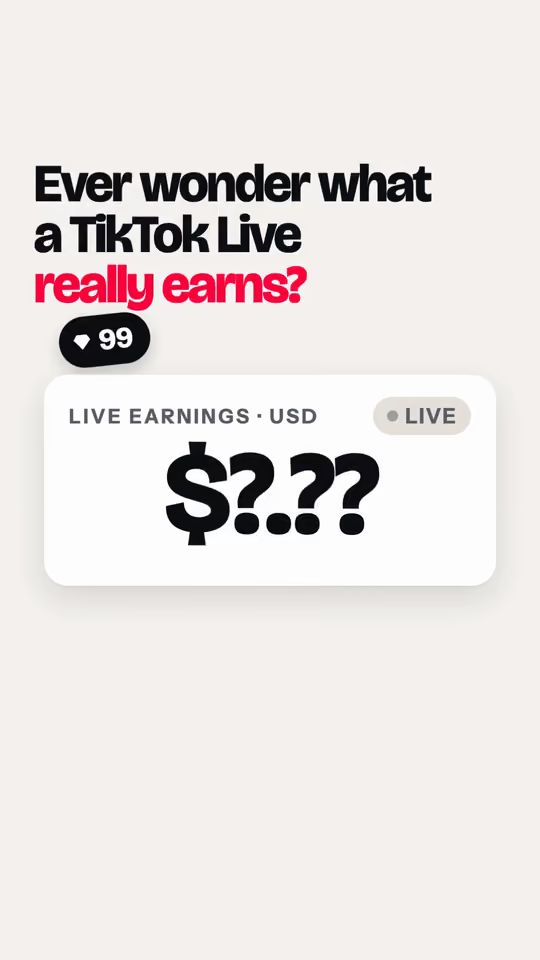
- Ever wonder what a TikTok Live really earns?Our idea: Speaks to everyone curious. Fits the free plan best.Our pickChosen
- Creator on TikTok Live?Found on the site: For creators who want to see their top gifters and earnings.
- Following a TikToker? Never miss their next live.Found on the site: For fans. Leads with go-live alerts.
- Sell on TikTok Live?Found on the site: For live sellers watching competitors. Keyword alerts need Studio.
Question 3 of 6
Which part of the app should we show?
This is what viewers see on screen in the middle of the video.
- Gifts turning into dollars, with sender namesFound on the site: The core screen. Shown as estimates at $0.005 per diamond.Our pickChosen
- Go-live alert arriving within a minuteFound on the site: A phone buzzes the moment a creator goes live.
- Your free 30-minute recordingFound on the site: A saved live you can rewatch, since most lives aren't kept.
Two of the six questions ReelMade wrote when it read tikmonitor.com, one of our own products, with our pick and the answer that made its film marked.
Make it from Claude Code or Cursor
You built the product with an AI agent; make its launch video there too. ReelMade has an MCP server: add it once and ask for a video in the same window you code in.
- Your agent reads your landing page and shows you the questions in the chat, with our pick for each.
- It drafts the script for free, so you read and change it there.
- It asks before it uses 1 video, then sends the link to the finished film.
Claude Code
claude mcp add --transport http reelmade https://reelmade.app/mcpCursor
{
  "mcpServers": {
    "reelmade": {
      "url": "https://reelmade.app/mcp"
    }
  }
}
Then ask
"Make a 30-second launch video for mysaas.com. Show me the questions first, and use a calm American voice."
SaaS and app launch video examples
Our own products and unofficial samples made from well-known SaaS sites, each from its own public pages. Open one to read its script and what we took from the site.
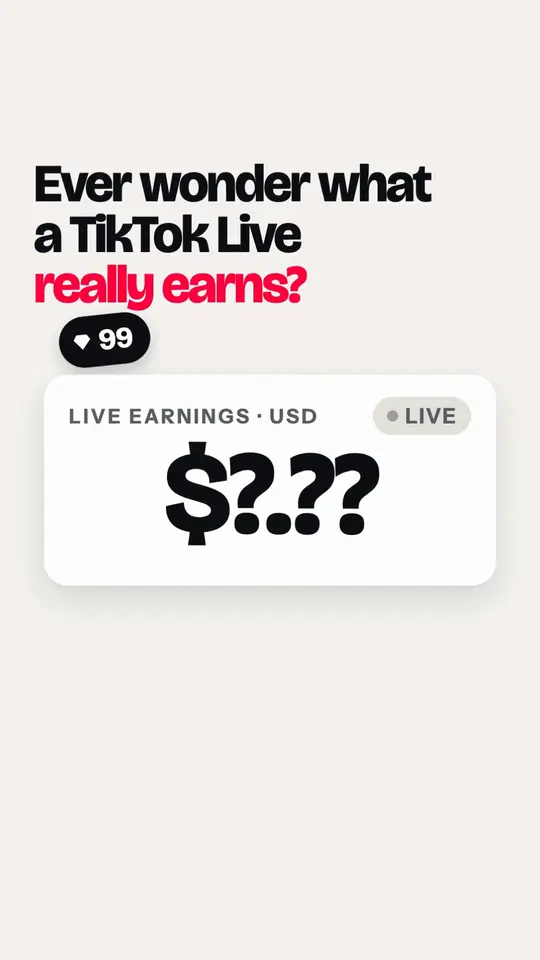
Live analytics app · ProductMade from tikmonitor.com · American English voice A dollar meter stuck on question marks wakes up when a TikTok handle is pasted: each gift lands as estimated dollars with the sender's name, free for one creator.
TikMonitor: the script and what we used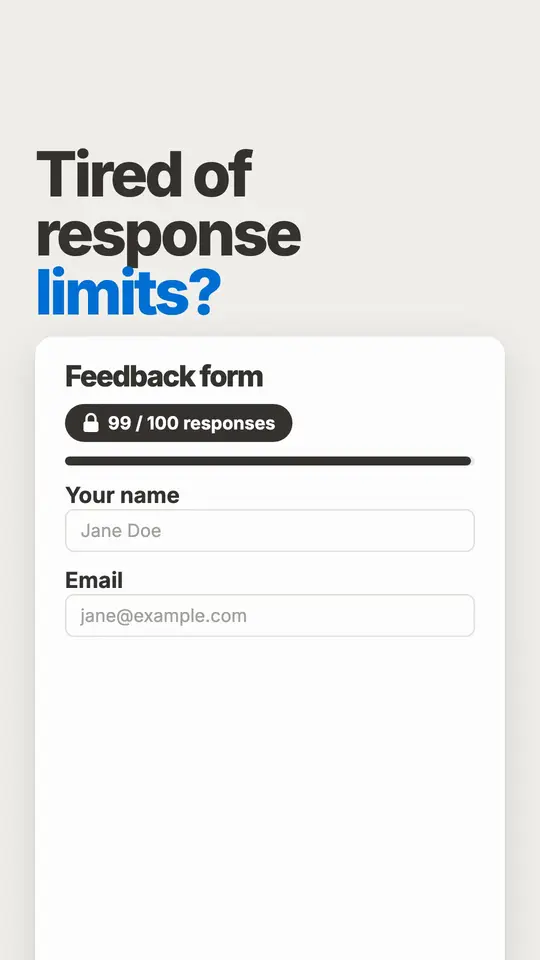
Form builder · ProductUnofficial sample, made from tally.so. Not affiliated. American English voice. A feedback form hits its 100-response cap, then Tally builds one like a doc: a slash for each block, a Stripe payment and a signature, with unlimited submissions free.
Tally: the script and what we used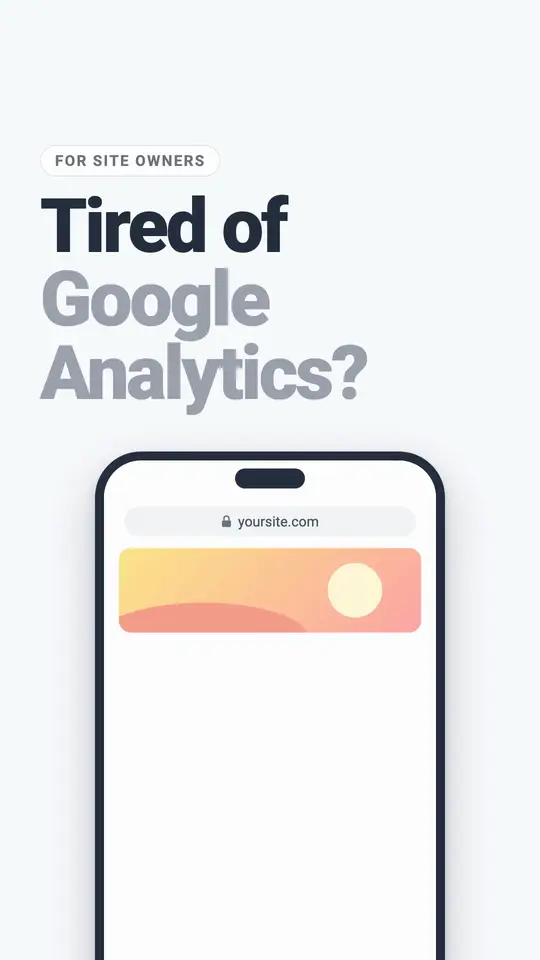
Web analytics software · ProductUnofficial sample, made from plausible.io. Not affiliated. American English voice. A site owner tired of Google Analytics loses the cookie banner, brings their GA history into Plausible's one-page dashboard and starts a 30-day free trial.
Plausible Analytics: the script and what we used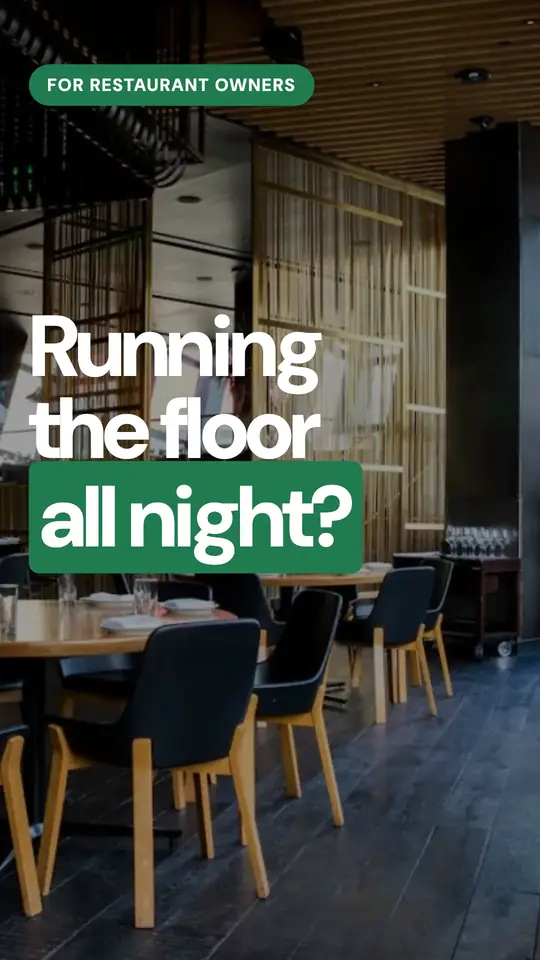
Restaurant tech · ProductMade from tamr.link · American English voice An ad for restaurant owners: the same menu question at every table, then tamr's AI waiter answers a guest in Arabizi from the real menu.
tamr: the script and what we used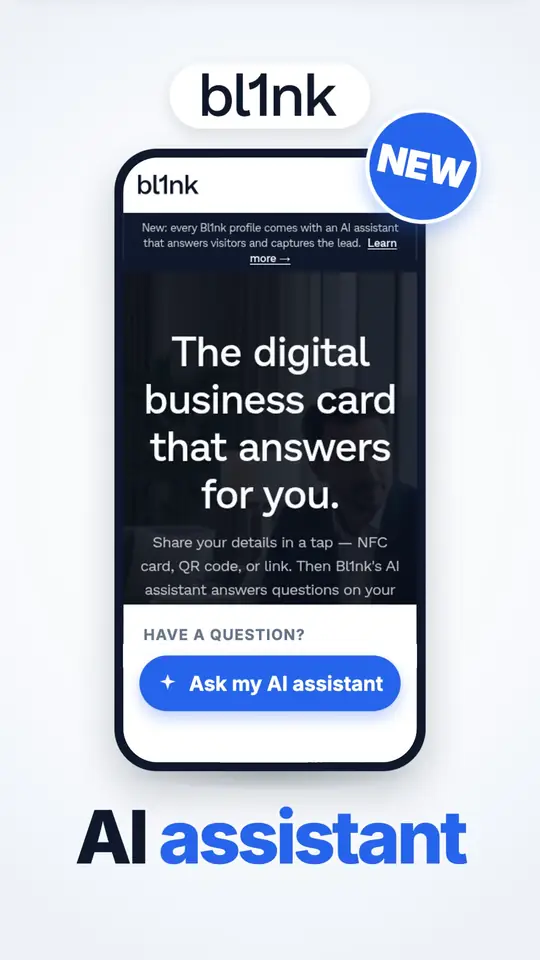
App · LaunchMade from bl1nk.co · American English voice A launch ad for sales teams: the paper card from an event gets forgotten, then a bl1nk profile's AI assistant answers the pricing question and saves the contact.
bl1nk: the script and what we used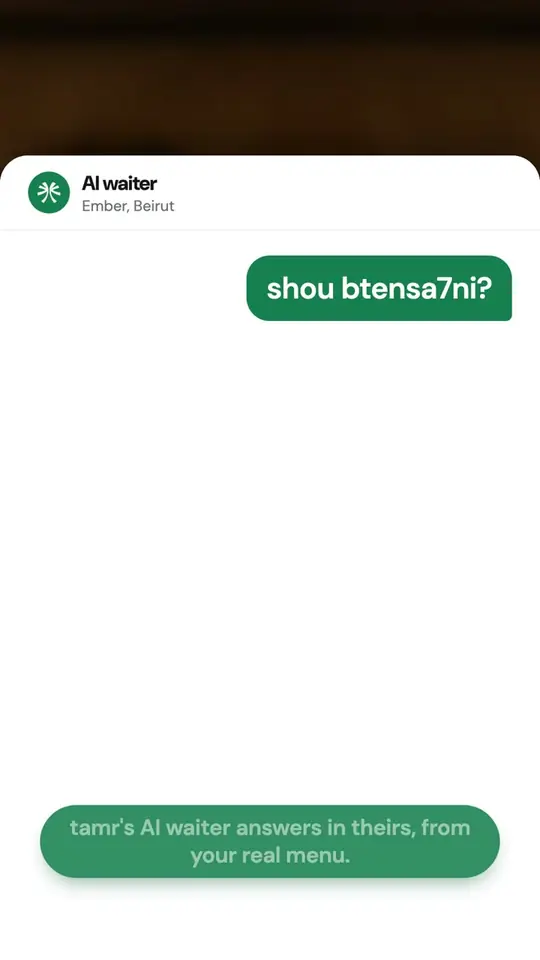
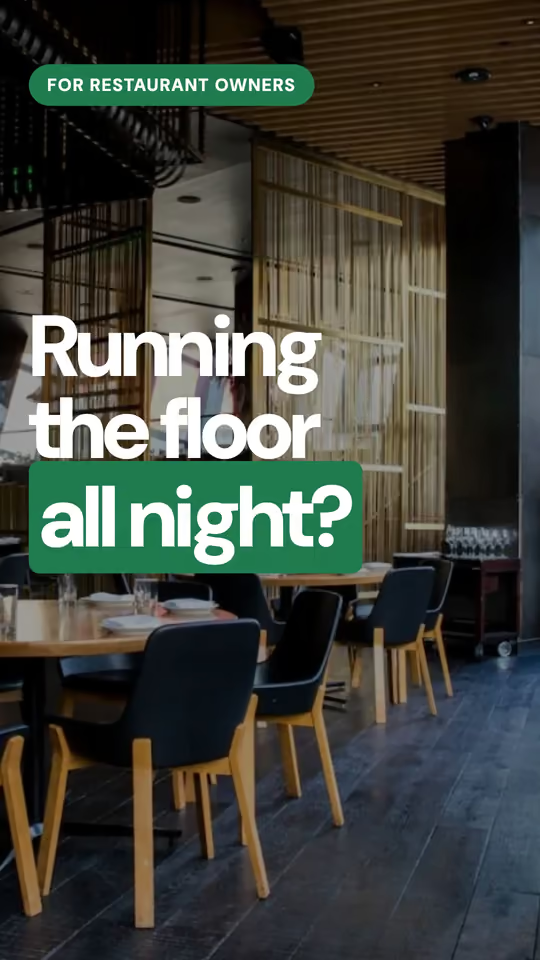
Restaurant tech · ProductMade from tamr.link · American English voice A guest asks the AI waiter a question and gets an answer from the restaurant's real menu.
tamr: the script and what we used




What it costs
Reading your landing page, the questions and the whole script are free, with no account. Making the film uses 1 video: $9.99 on its own, or a monthly plan from $19 for 4 videos, down to $3.96 a video.
Want a different opening for an ad test? Each version uses 1 video, and a film that fails gives its video back.
A product demo video walks through the app on screen for people already interested, often for minutes. A launch video is 15 to 60 seconds for people who have never heard of you: who it's for, the one thing to remember and what to do next. ReelMade makes launch videos, not screen-recorded walkthroughs.
Yes, as a landing page video. Choose My website as where it runs and we suggest 45 seconds, written so the words carry it while it plays muted. It is a vertical 9:16 MP4, so it fills a phone screen and sits beside your headline on a desktop. The video is yours to host anywhere.
Yes. Product Hunt takes launch videos as a YouTube link only (its launch guide, checked October 28, 2026), so upload the film to YouTube and paste the full URL. Post the same file natively on X and LinkedIn on launch day.
Yes. We screenshot your landing page as a phone and a desktop see it, and the film rebuilds your product's screens from them. For screens that aren't on that page, add your own app screenshots in the photo step. We only read public pages, so anything behind your login stays out unless you add it.
That works. The film is built from your site's own screens, logo and colours, with your key words big on screen. Adding two or three real app screenshots makes it stronger.
The voice-over speaks 94 languages, and the words on screen can follow it or use another one. For a global launch, make one video per market: each uses 1 video.
Yes. Add the ReelMade MCP server and ask your agent for a launch video. Reading your site, the questions and the script are free; it asks before using 1 video for the film.
$9.99 for one video, or a monthly plan from $19 for 4 videos, down to $3.96 a video on larger plans. Reading your page, the questions and the script cost nothing.
Keep reading
- How to market your SaaSA 30-day plan after you build it, with what worked for our own product.
- SaaS and app ad ideasAd ideas for software and apps, with real films.
- For AI agentsThe MCP server for Claude, ChatGPT, Cursor and VS Code.
- ExamplesEvery sample film, with the site it came from.
- PricingPlans, packs and what counts as a video.
- What a video ad costsAgencies, freelancers and AI tools, each sourced.
Your ad, made from your own site.
Paste your link, answer a few questions, watch it come together. Sign in only when you're ready to make the film.